For builders

A construction management app that keeps work and funding connected

More control. Greater visibility. Faster draws.

Gain greater control of the job site from the palm of your hand, without changing the way you want to work. The Kunstrux App brings project information, budget visibility, documents, communication, and draw coordination within reach. Stay connected to the people and funding that keep your construction projects moving.

Get the Kunstrux App

  • Download Kunstrux on the App Store
  • Get Kunstrux on Google Play

Exploring Kunstrux for your business? Talk to our team.

A builder in a hard hat and work vest checks his phone inside a wood-framed house under construction.

Keep the jobsite and funding connected

Keep project information, draw requests, and conversations close to the job. The Kunstrux App connects your project, lender draws, and working trades in one place.

Mobile access for construction teams

For builders and general contractors, get the details you need to coordinate work, on site, between projects, or back at the office.

  • Keep project budgets and draw activity in view

    View budget phases and draws in real time. Respond to lender feedback and requests. Your lender controls budget locking and draw approval.

  • Keep signed documents connected to the job

    Send and receive signed documents in the app. Tag supporting files to projects so they are easy to find and review alongside project work.

  • Keep project communication close to the work

    Coordinate with trades and project contacts in the same app. Use project channels and direct conversations to keep in touch about the work.

  • Keep payment activity connected to the job

    Review money movement transactions and tag them to projects. Where available, upload payment activity directly to QuickBooks® from the app.

Available project actions reflect your role and project setup.

Builders and trades use one shared Kunstrux App. Lenders review draw requests in the Kunstrux Lender Portal. Lenders, builders, and trades stay connected as project progress and funds move through Kunstrux.

For builders, the shared App keeps project context close to the work, with draw requests connected to lender review and project payments following the applicable payment workflow.

See how Kunstrux connects the team

Draw requests with less back-and-forth

Faster draws start with better coordination. Prepare requests in the app with phases, amounts, and supporting information together in one place, then follow draw status from your phone.

Draw request flow. In the Kunstrux App, the builder reviews and submits the draw request for lender review. In the Kunstrux Lender Portal, the lender reviews the request. Approval and release of funds are separate steps under lender control. The builder can follow draw approval status in the app.

Keep payments and transactions closer to the project

After a draw is approved, keep payment records and supporting information close to the job as you coordinate trades. Draw approval and release of funds do not change with Kunstrux; draw disbursements remain between you and the lender.

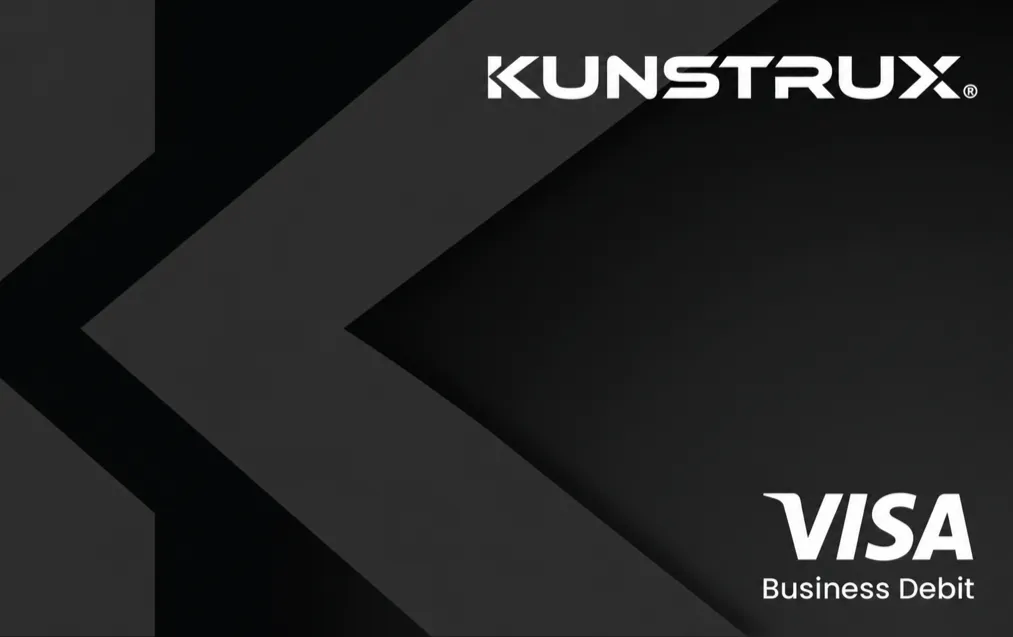
Kunstrux Visa Business Debit card face.

Your account. Your card. Closer to the job.

With an eligible account setup, Wallet keeps your Primary account, Kunstrux debit card, account details, and transaction records together. Use available funds through an eligible Kunstrux card for supported purchases. Where supported, add an eligible card to your phone wallet for contactless purchases. Tag eligible transactions to a project, then review the account activity you can access with the job context close by.

Available account and card actions depend on your role and account, card, project, and phone-wallet setup.

Put materials purchasing in the right hands

Provide eligible people with a Materials Card for job purchasing. Choose the person, amount, and required purpose as you send or fund the card. For card accounts you can access, available transaction details can include the merchant, amount, purpose, and project tag.

Trades in the same app

Builders and trades use the shared Kunstrux App to keep project context and the next conversation close to the work. Available project and account actions depend on each person's role, account, and project setup. Trades receive payment for approved and verified work through the applicable payment workflow.

Explore the trades experience

Manage projects.
Stay focused on building,
not the administration.

A more connected view of the work and its funding.

Use Kunstrux alongside the software and practices you already rely on. Keep scheduling, estimating, and job costing the way you’re accustomed to. Your team stays focused on execution while your lender keeps its lending decisions and financial controls.

Get connected to your project

Existing project

Already working on a Kunstrux project?

Get the app and follow your project’s setup instructions. Need help finding your project or accessing draw requests? Our team can help you get connected.

Get the Kunstrux App

Prospective business

Exploring Kunstrux for your business?

Tell us about your construction projects and lender relationship. We can help you understand how the builder workflow fits your business and the next step to get started.

Talk to our team

Questions from construction builders

What can builders manage with the Kunstrux App?

Builders can access project information, view phase budgets, prepare draw requests, follow draw approval status, and coordinate through project channels. The app also provides access to completed documents tagged to a project, Wallet account and debit-card details, transaction history, Materials Card tools, and supported account-transfer and phone-wallet options. Available project and account actions reflect your role and project setup.

How is Kunstrux different from general construction project management software?

Kunstrux focuses on connecting project information and field coordination with construction funding. Builders and trades use one shared mobile app, while lenders review draws through the connected Lender Portal. You can use Kunstrux alongside the tools you already use to plan and run the job.

Can I submit construction draw requests from the job site?

Yes. With access to your project’s draw workflow, you can prepare and submit a request from your mobile device. The app brings requested phases, amounts, and supporting information together for lender review.

Can I track every project expense in Kunstrux?

Kunstrux lets you review your account’s transactions and transactions tagged to your projects. Those records provide useful payment context. They represent the transactions in that account and tagged view, rather than every expense recorded in your accounting or other project systems.

Can I use Kunstrux for materials purchasing?

Eligible Builders can provide eligible people with a Materials Card for job purchasing. When you send or fund a card, you choose the person, amount, and purpose. The account and card actions available to you depend on your role and setup.

How can I fund my account or move money?

With an eligible account setup, you can request money from a contact to an eligible Primary account, link an eligible external bank account, and, where supported, move funds from an eligible Primary account to a Materials Card. The options available to you depend on your role and setup.

How do Wallet and card actions relate to a draw?

Draw requests bring project phases, amounts, and supporting information together for lender review. Wallet and card actions are separate account tools. Your lender retains its approval authority and funds-flow preferences, and the account or card actions available to you depend on your role and setup.

Does Kunstrux replace my lender or change how I work?

Kunstrux connects builders to participating lenders while supporting the way you already run the job. Your lender retains its lending policies and approval authority. Talk to our team about your current lender relationship and project setup.

What if I need help getting connected?

Contact Kunstrux for help finding your project and the right app access. For questions about a draw approval or funding decision, your lender remains the point of contact.

More control of the job. From the palm of your hand.

Bring project visibility, conversations, and draw coordination closer to the work with the Kunstrux App.

Get the Kunstrux App